
Edit videos
by chat
Upload your footage, tell the AI what to change, and review the edit before you export.
How it works
Keep the footage, chat, and versions together as you work through an edit.
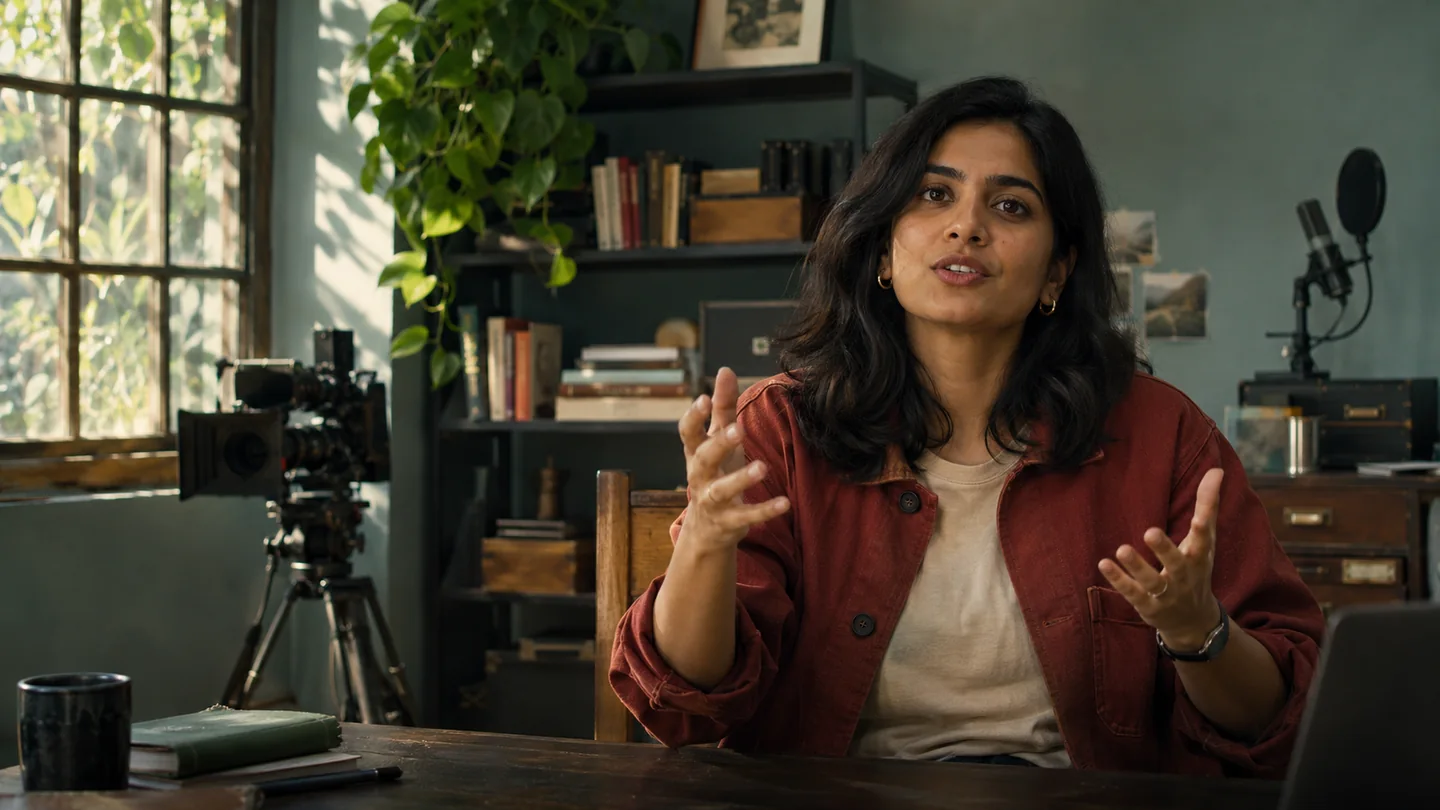
studio-interview.mp4
Source clipAdd your footage
Upload video or audio to a project.
Describe the edit
Ask for a cut, captions, or an audio change.
- I start with the story.
Edited preview
Ready to reviewWatch the preview
Review the result and ask for revisions in the same chat.
studio-interview-final.mp4
Final exportExport the final
Render at final quality and download the result.
What you can ask for
Give the editor a clear instruction, then use the preview to decide what to change next.
See demosKeep the strongest take and cut the long pauses.
Add captions for the whole interview.
Give me a transcript of this recording.
Remove the original audio from this clip.
Monthly plans
Compare local prices, included editing tokens, and how long each plan keeps your projects.
See pricing